Every repair order, invoice, and picking ticket your team prints from Dealertrack lands in a live digital tray as a full-fidelity PDF — complete logos and formatting, viewable, emailable, and downloadable from the desk it was printed at. No walk to the printer. No scanning it back in. No hunting the stack for a copy.
You add PrintSent to Dealertrack like any other printer — then your team prints to it like any other printer.
Recovered in one month · one store
29.3 hrs
of staff time that used to be walking, sorting, and scanning
The print-to-scan cycle
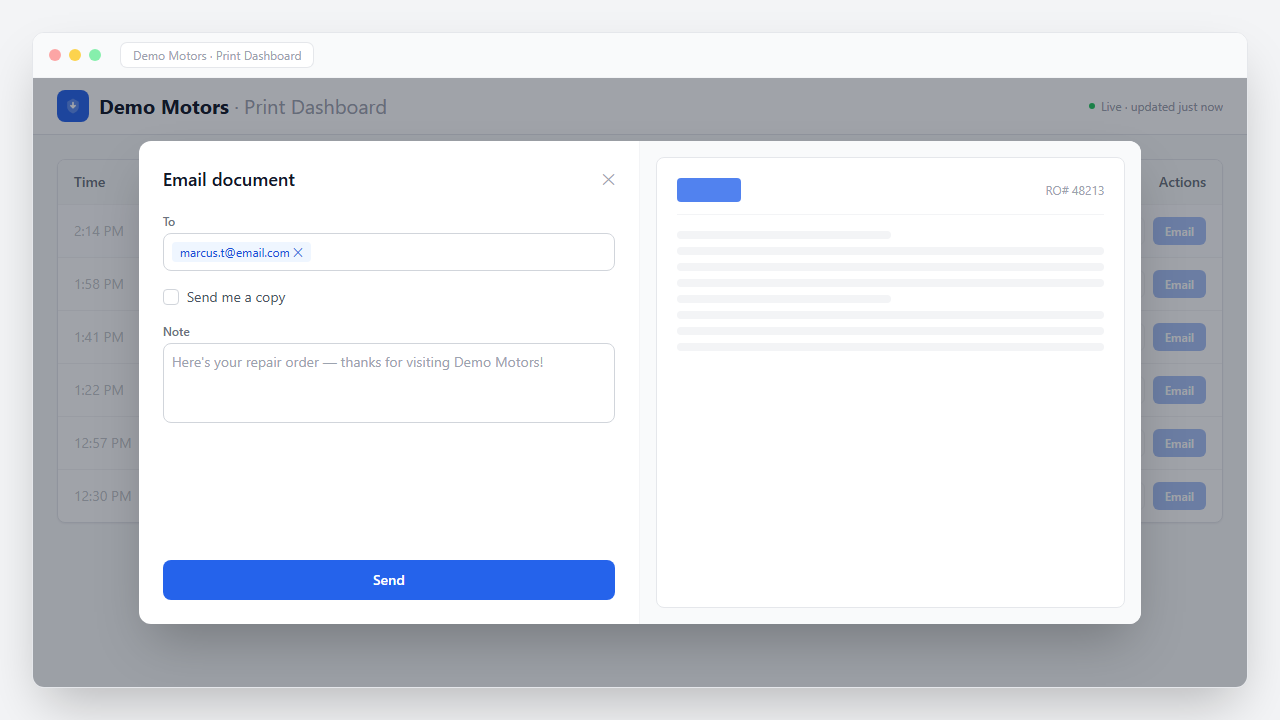
This is one document — an RO copy a customer wants emailed — from press to delivered.
~2 minutes and two trips — per document
Seconds, from the chair they're already in
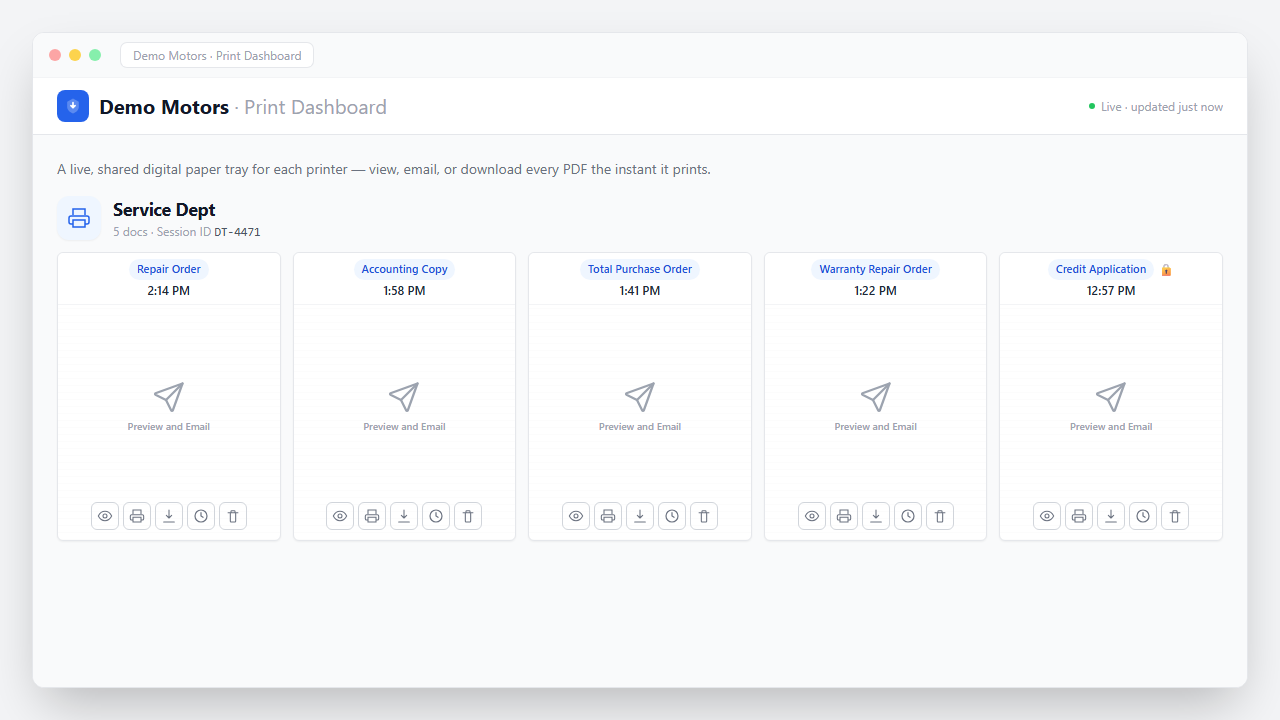
The digital paper tray
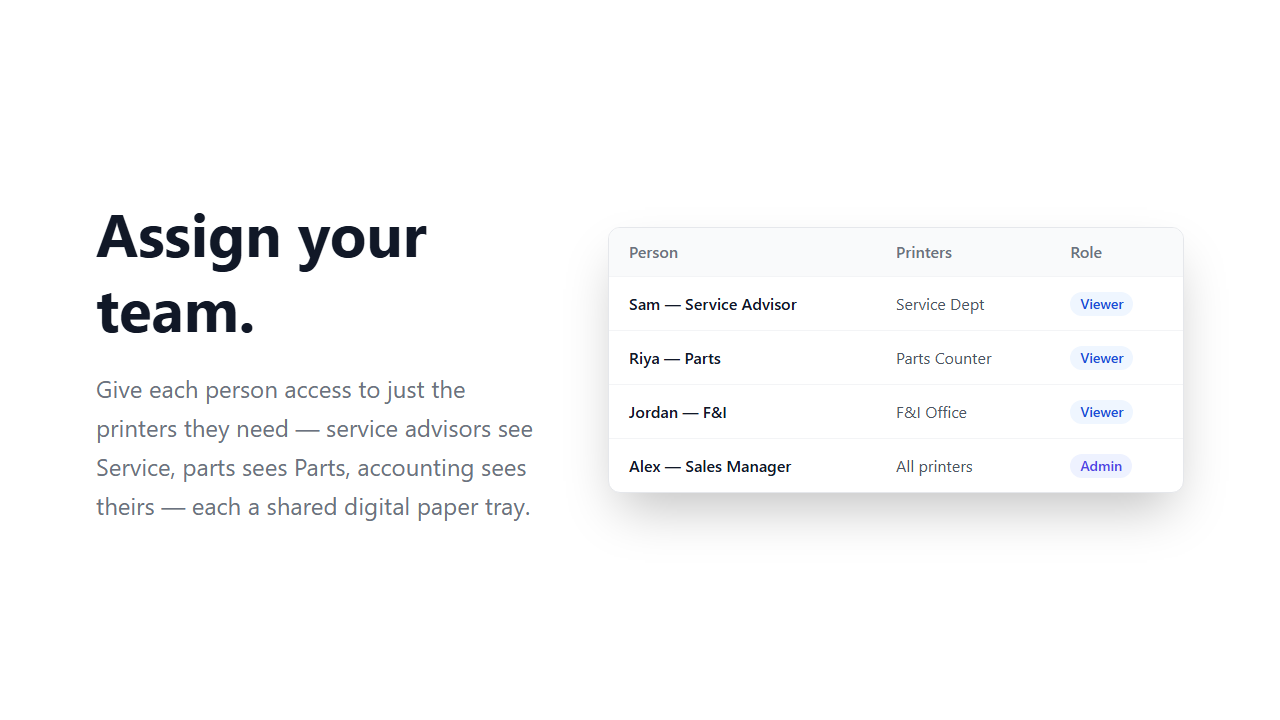
Documents appear the instant they print. Everyone assigned to that department sees the same tray.
Fixed ops paperwork
PrintSent captures whatever Dealertrack can print. These are the ones service and parts hit hardest.
Rollout
One small device on your network stands in for the printers your departments print to. Ships to you ready to go.
You add PrintSent to Dealertrack like any other printer. From then on your team prints to it like any other printer — no workstation software, no change to how anyone prints.
Point advisors and counter staff at their department tray. That's the whole training — they already know Print.
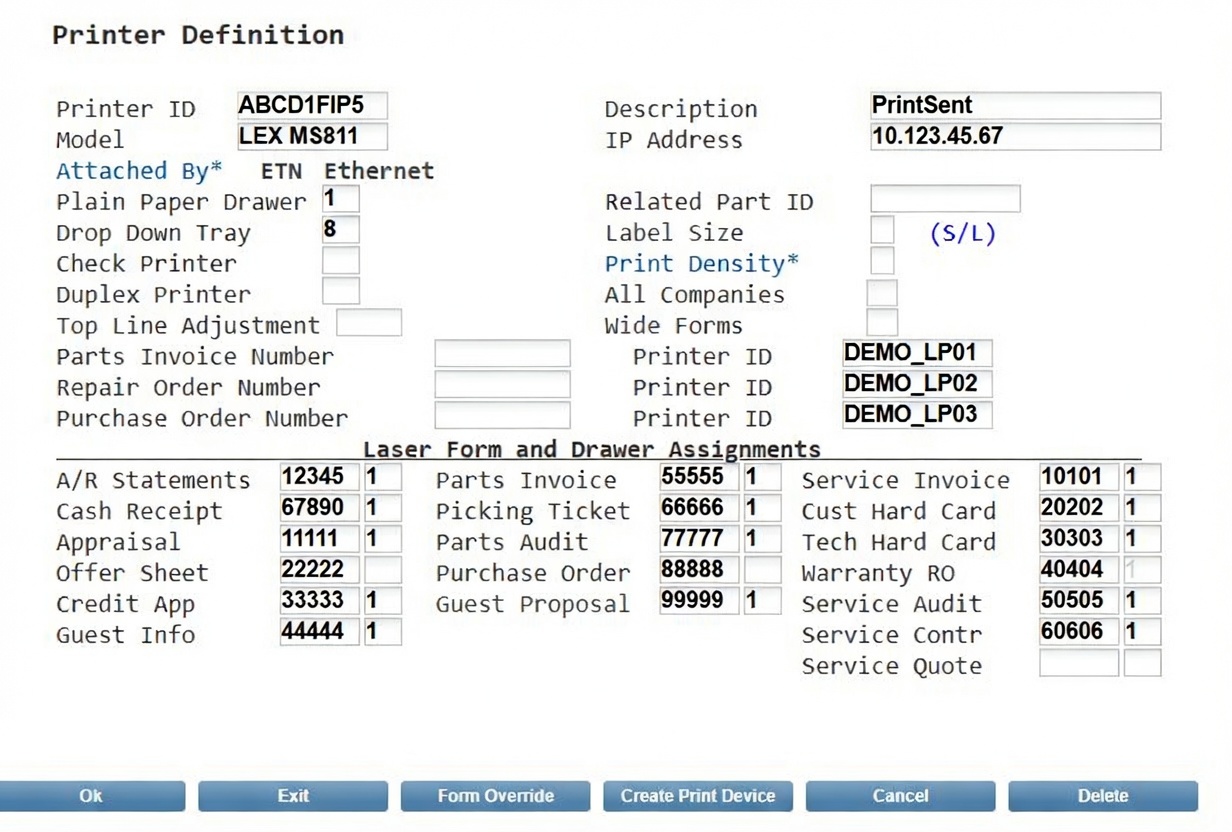
Total setup time: under 30 minutes.
Also worth passing along
Accounting
Statement runs emailed, tracked, and reconciled without printing a page.
See the accounting view →Fixed ops
ROs, invoices, and picking tickets in a shared digital tray — nobody leaves the desk.
You're hereOwnership
What paperless is worth per rooftop, in hard dollars and recovered hours.
See the numbers →Get started
A short call is enough to see your own department's documents land in the tray.